The desk looks fine until the afternoon
A home office corner can feel inviting in the morning and uncomfortable by mid-afternoon. Sunlight shifts across the desk, a pale wall reflects into the monitor, or the ceiling light makes a small room feel flat. The change is easy to blame on the lamp, yet the problem may be the position of the screen, the direction of the window or the contrast between a bright display and a dark corner.
Before choosing another light, observe one ordinary workday. Note when the corner feels dim, when a reflection appears and which tasks become harder. Reading a printed page, sketching, typing and joining a video call do not ask for the same light. A little daylight may be pleasant for a call, while a page of fine writing may need more directed illumination. The point is to identify the task that repeatedly feels uncomfortable.
Make a quick sketch showing the window, desk, screen, main room light and available sockets. Mark where you sit and where the daylight falls in the morning and later in the day. If the room serves another purpose, include the routes other people use. This small map will show whether the first change should be a lamp, a screen angle, a curtain or a different desk position.
Find a useful position for daylight
Daylight is valuable because it changes naturally through the day, but a desk directly facing a bright window can put a large source of light behind the screen. Sitting with your back to a window can create reflections on the display and a bright halo around your silhouette during calls. A position with the window to one side is often a practical starting point, although the best side depends on the room, your handedness and the direction of the sun.
Try moving the desk a small distance rather than rotating the entire room immediately. Turn the screen a few degrees, close a blind halfway or move a reflective object from the desk. Watch the display from your normal seated position; a reflection that disappears when standing may return once you sit down. If there is no alternative to placing the desk beside a bright window, a sheer covering can soften the light while keeping the room usable.
Do not cover a radiator or block a window that you need to open. If the desk is in a shared room, check that its new position does not narrow the route or make another activity awkward. A temporary trial can reveal the consequences before you move heavy furniture. Work there for at least one bright period and one dull period if possible, since a layout that feels balanced on a sunny morning may be too dark on a winter afternoon.
Separate the room light from the task light
One ceiling fitting has to serve the whole room. It may illuminate the walking route well enough but still leave a notebook in shadow. A task light puts more light where a particular activity happens. An ambient source makes the surrounding room easier to use and reduces the sense that the screen is the only bright object. These jobs can be handled by several modest lights or by existing lamps repositioned with care.
Start with the ambient light you already have. Turn it on at the time you normally work and notice whether the desk feels disconnected from the rest of the room. A small table lamp on a shelf or a floor lamp aimed towards a wall may soften the difference between a bright monitor and a dim background. Avoid shining a bare bulb into your eyes or directly at a glossy screen.
Then add task light only where the work needs it. A desk lamp with an adjustable head can reach paper from the side and move out of the way when you are typing. If you write with your right hand, a lamp on the left may reduce the shadow cast across the page; a left-handed person may prefer the opposite. That is a practical starting point, not a rule. Try both sides if the desk allows, and check whether the lamp competes with the monitor or camera.
Choose a lamp around the work surface
Look at the footprint of a lamp before its styling. In a narrow corner, a broad weighted base can take away the space needed for a notebook, while a clamp or wall-mounted option may preserve the desk. A clamp must fit the desk edge securely and should not obstruct a drawer, cable tray or adjustable monitor arm. If you rent or cannot drill into a wall, a freestanding lamp keeps the arrangement reversible.
The light should reach the page without forcing the lamp into the centre of the desk. An articulated arm is helpful when work changes between laptop use, reading and drawing. A fixed lamp can be entirely adequate if its beam reaches the regular task and the switch is easy to reach. Extra adjustment is useful only when you will use it; complicated controls can become one more source of friction.
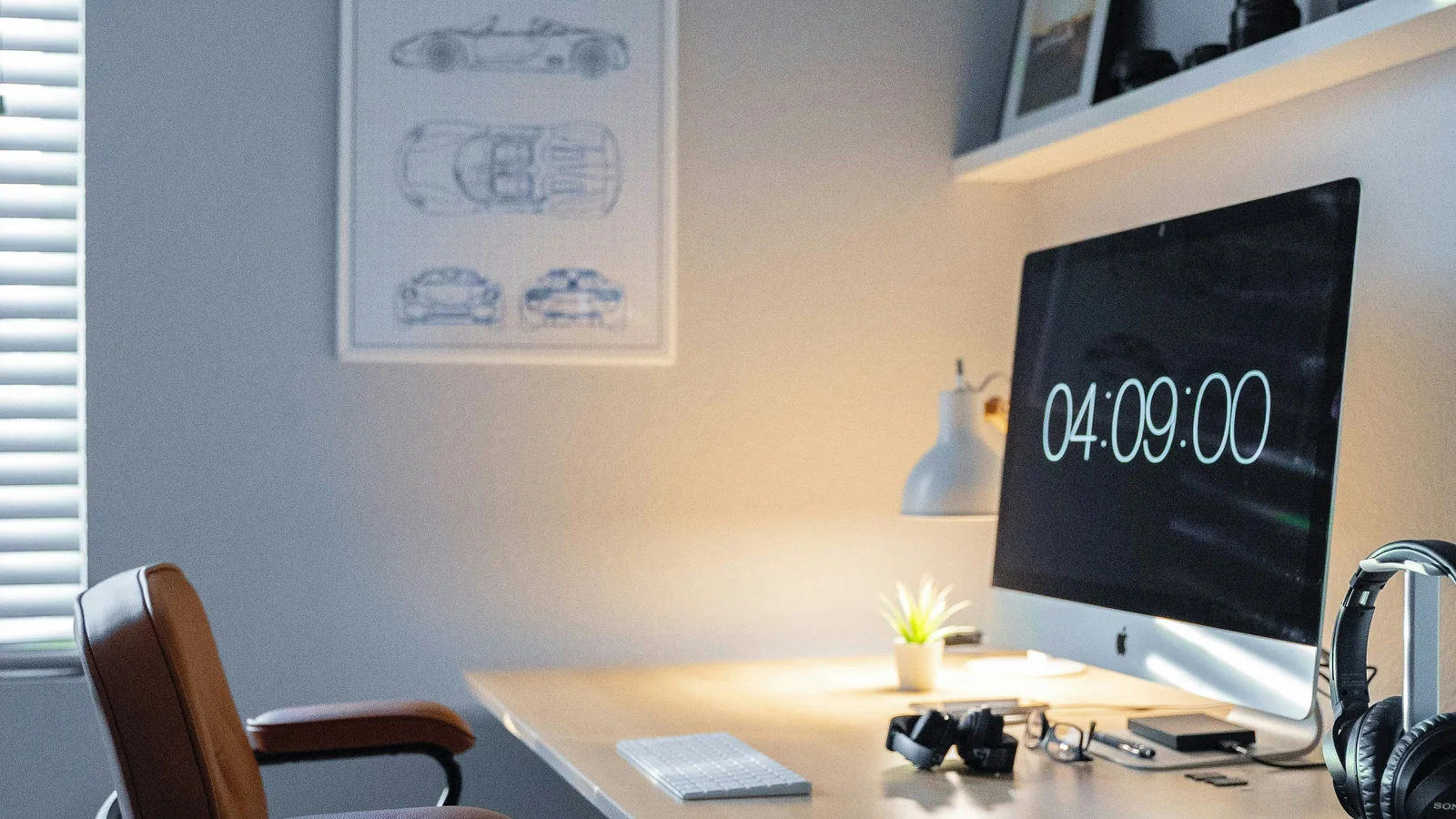
Check the lamp’s shade and its position from the seated view. A shade that hides the bulb from your eyes may be more comfortable than an exposed point of light. Glossy white desks, framed glass, polished accessories and certain screen coatings can reflect a lamp even when its beam points downwards. Shift the source sideways or angle the screen before assuming that you need a different product.
Make colour and brightness adjustable
People often describe office lighting using colour temperature, brightness and colour rendering. These labels can help compare specifications, but they do not describe the complete feeling of a room. A very cool light can feel stark in a small bedroom, while a very warm source may make fine colour work harder to judge. If you work with colour, use a light source with a clear specification and compare it with daylight rather than relying only on a product photograph.
Brightness controls are useful when tasks vary. A lower level may feel comfortable for reading a screen in the evening; a stronger task beam can help with a printed document. Adjust the position before turning a light to its maximum setting. A source close to the page often does more than a brighter source across the room, but too close can create harsh shadows or hot spots.
If you replace a bulb, check the fitting’s limit, dimmer compatibility and whether the lamp is designed for a replaceable bulb. Some integrated LED fittings cannot be changed in the same way as a standard lamp. Keep the packaging or product details if you need to match the source later. Exact colour labels and controls differ between makers, so compare the current specification for the model rather than relying on a general category name.
Light your face without turning the desk into a studio
For video calls, a light source placed slightly in front and to one side of the screen often gives a more even appearance than a bright window behind you. You can test a desk lamp with a shaded bulb or move an existing room light before buying a dedicated camera light. Sit where you normally work, open the camera preview and make one change at a time. Check whether the light is comfortable for your eyes as well as flattering on screen.
Avoid placing a strong light directly at eye level. It can make a call look bright while leaving you squinting through the conversation. A diffuser or shade softens a source, but fabric and paper should never be placed over a lamp unless the fitting is designed for that purpose. Follow the maker’s safety instructions and keep heat-producing lights clear of curtains, paper and other materials.
Think about the background too. A completely dark wall behind a bright face may feel harsh on a long call. A small ambient lamp or indirect light can make the room more balanced without becoming a decorative display. If the room is shared, use a movable lamp that can be returned to its normal position after the call.
Check for glare before changing everything
Glare can come from a window, a glossy desk, a lamp shade, framed artwork or the screen itself. Move your head slightly while looking at the display. If the bright patch moves with your view, it may be a reflection rather than a screen brightness problem. If the whole screen feels uncomfortable, test a lower brightness and adjust the surrounding light so the display is not dramatically brighter than the room.
Clean the screen according to the maker’s instructions; fingerprints can scatter light and make reflections more noticeable. Turn off lights one at a time to locate the source. Move a lamp by a few centimetres, then look again from the working position. These small tests help distinguish between a lamp that is too bright, a lamp in the wrong place and daylight that changes by the hour.
Take regular breaks and adjust your position when you need to. Lighting changes cannot fix every cause of eye discomfort. If symptoms persist, seek suitable professional advice rather than relying on a generic article or buying a stronger lamp.
Make a compact corner easy to reset
A desk in a bedroom or living room has to return to the room’s other purpose. Choose lighting that can be switched off quickly and does not leave a cable stretched across a walkway. A lamp with a stable base and a reachable switch is more useful than one that looks tidy but is awkward to operate. Put the charger and lamp cables along the desk edge or another safe route, keeping plugs accessible.
If you share the room, agree on a simple arrangement for call times and quiet work. A movable task light can signal that the desk is in use without claiming the entire room. When the workday ends, return the lamp to its resting position, close the notebook and clear the surface enough for the next activity. This reset does not need to be perfect; it needs to be short.
A one-week lighting test
For the first day, record when the corner feels too dim or too bright. On the second, shift the screen or desk slightly and see whether glare changes. Later in the week, move an existing lamp beside the work area and test it with both paper and screen tasks. Use the camera preview once if video calls are part of your routine. Do not buy several lights at once; you will not know which one made the difference.
At the end of the week, decide what remains inconvenient. If paper is still hard to read, a task lamp may be the missing tool. If the screen is still reflecting the window, the better answer may be a different angle or a softer covering. If the whole corner feels detached from the room, an ambient light source may help more than another desk lamp.
A cosy home office corner is not made by one perfect bulb. It comes from placing daylight, task lighting and room light where they support the work you actually do. Start with the hours and activities that cause discomfort, make one reversible change, and choose a new lamp only when the remaining need is clear.