Choose by the moment an idea arrives
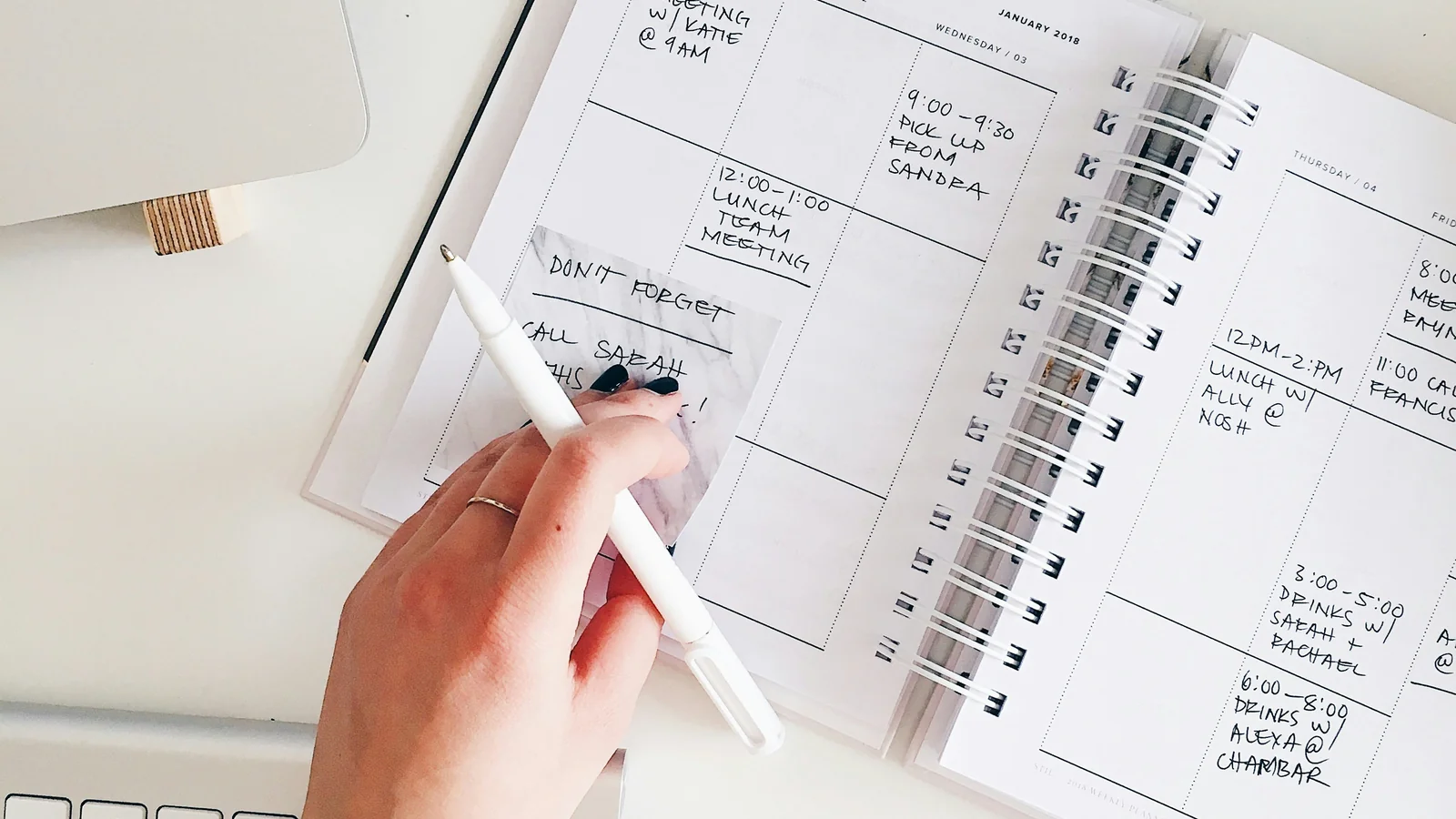
Creative thinking often begins before an idea has a category. A phrase appears during a walk, a question surfaces in a meeting, or several unrelated notes begin to form a pattern. A paper notebook accepts fragments quickly; a notes app can search, duplicate and connect them later.
The choice is not simply analogue versus digital. It is about what happens between noticing an idea and using it. If you need to draw, sketch arrows or write without opening a screen, paper may help. If you need to capture links, share a note with a colleague or find a detail months later, a digital app may be easier.
Start with the kind of work you do most. A writer collecting observations, a designer sketching a layout, a researcher saving references and a freelancer managing client decisions need different note systems. You may use both tools, but decide which one owns the main record for each kind of information.
Paper is quick when the page is open
A notebook has almost no setup. Open it, write a line, draw a box or connect two ideas with an arrow. It is useful when the page is already beside you and a screen would invite other tasks. Handwriting can also make a rough thought feel less formal; you can cross out, circle or leave an incomplete sentence without deciding where it belongs.
Paper is especially flexible for spatial thinking. A mind map, storyboard, diagram or loose composition can move across the page without waiting for a tool palette. A notebook can sit beside a screen during a call and hold quick marks that would be distracting to enter into an app. These advantages depend on the person and task; a digital canvas may work better for someone who prefers a stylus or needs to enlarge a diagram.
Paper is also bounded. One page has a limited amount of space, which can help keep a single session contained. A dated notebook can become a record of what you were thinking at a particular moment. If you enjoy seeing how an idea develops across pages, that physical sequence can be valuable.
The limit appears when you need retrieval. A handwritten note cannot usually be searched by phrase unless you have a scanning or transcription process. A useful observation may disappear among unrelated pages. You need a simple index or a review habit if the notebook is more than a temporary capture tool.
A notebook needs a retrieval method
Write the date at the top of a page and add a short subject when the note will matter later. Reserve the first pages for an index and update it with page numbers for active projects. This small step can make a notebook much easier to revisit without turning it into a catalogue.
Use one notebook for one kind of work when categories are important. A project notebook, meeting notebook and personal journal do not need the same structure. If you carry one book for everything, use page headings or sticky tabs to mark recurring sections. Do not design an elaborate code system before you know what you will search for.
At the end of a week, scan the pages you used. Move only decisions, references or ideas that need to survive into a longer-term system. Photograph a page when sharing is necessary, but check that the image is readable and stored somewhere you can find. A photograph of a page is still difficult to search unless your software can recognise the handwriting.
Paper is private in one sense because it is not automatically synced to a cloud account. It is also easy to misplace, damage or leave in a meeting room. Keep sensitive notes in a secure place and avoid writing credentials or personal data where others may see them.
Digital notes make finding and sharing easier
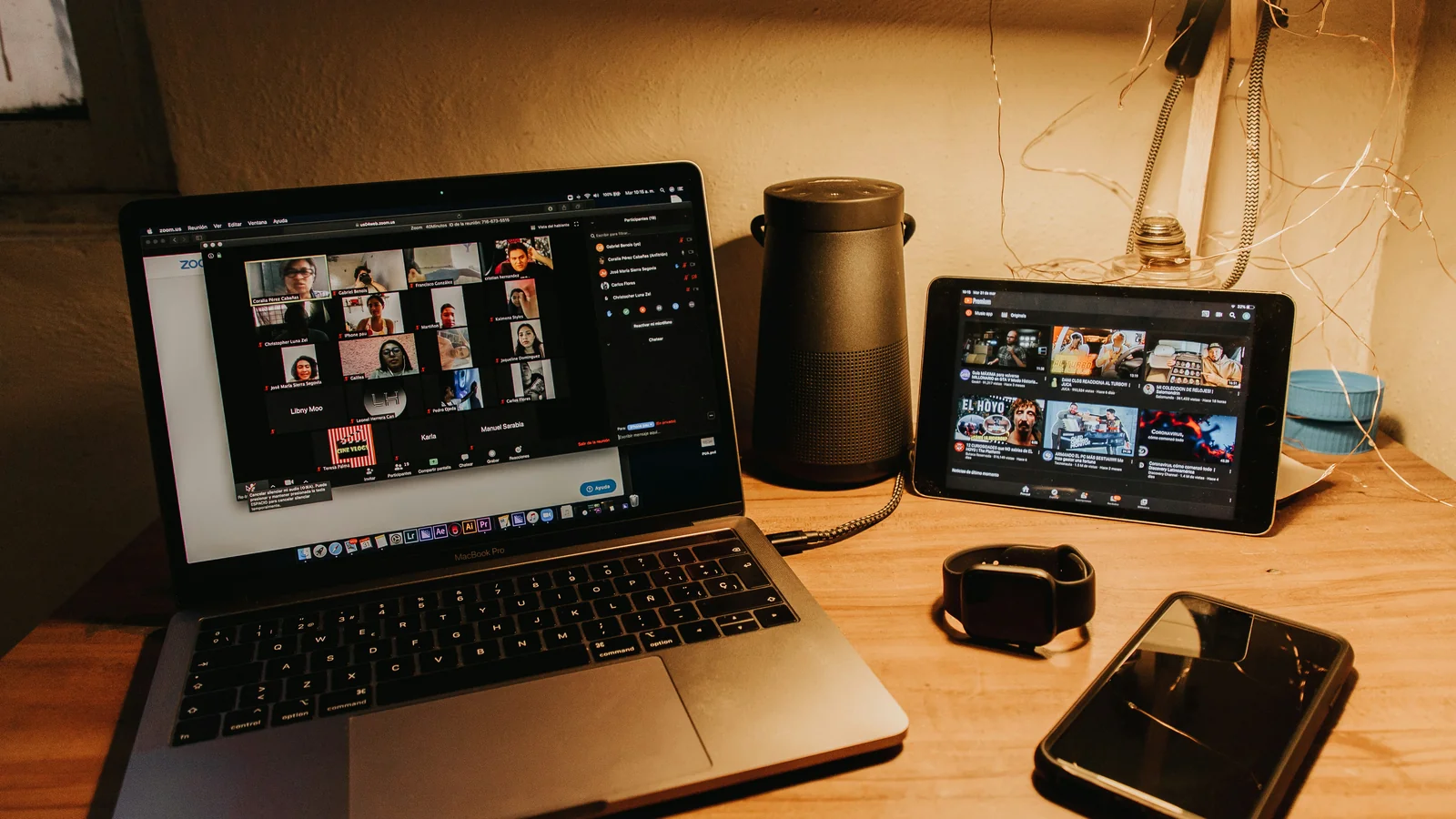
A notes app can search typed text, link related pages, attach documents and sync between devices. These features are useful when an idea connects to a reference, a project task or a conversation with someone else. A note can be shared without photographing a page or rewriting it.
Digital notes are also easier to revise. You can move a paragraph, add a link, duplicate a template or update a project record. A meeting note can include an agenda, action items and a follow-up date in one place. This can help a team keep decisions visible, provided the app and sharing permissions suit the work.
Search is not automatic organisation. If every thought goes into one unlabelled stream, finding it later may still be hard. Choose a small number of notebooks, tags or project folders and use them consistently. A few clear categories are better than a large taxonomy that needs constant maintenance.
Digital tools can create their own interruption. A phone notification, app badge or unrelated browser tab can pull attention away from the idea you intended to develop. Use a focused device or mode when you want to think, and close the apps that are not part of the session. A notes app may be less distracting on a laptop than on a phone, depending on your habits.
Visual work changes the comparison
Paper can be comfortable for loose sketches, diagrams and spatial layouts. A page gives the hand room to move and makes it easy to draw outside the lines. The paper size limits the drawing, though, and a large map or storyboard may not fit a pocket notebook.
Digital canvases can zoom, copy shapes, add colour and share a working draft. They can help with diagrams that need to be revised or presented. The extra controls may slow a quick idea, and a stylus or tablet may not be available when the thought arrives. Try the same task in both formats before deciding which one feels more natural.
Photography and reference images are easier to store digitally. A note app can keep a link, screenshot or image beside a short observation. Check copyright and privacy before saving or sharing material from clients or other people. Paper can still help you record the reason a reference matters rather than accumulating images without context.
Do not assume that handwriting or typing is inherently better for memory or originality. The useful question is whether the method helps you capture, understand and revisit the idea. Your experience, the task and the surrounding interruptions all matter.
Compare how each method handles a workday
For a short brainstorm, paper may let several people add marks without passing around a laptop. For a meeting with action items, a digital note can make names, dates and links easier to search later. A research project may benefit from typed notes attached to source links, while a design session may start with paper sketches and move into a digital tool when the direction becomes clear.
For mobile work, paper works without battery or network. A digital device may already be in your bag and can capture a voice memo or photograph. Consider the environment: a notebook works in bright sunlight, while a phone may be harder to read; a laptop can attach a note to a file but may be awkward on a crowded train.
For confidential work, check where digital notes are stored, who can access shared folders and whether the organisation permits the app. Paper also needs protection: a notebook left on a desk can expose information. Follow the rules that apply to your work and keep private material in an appropriate place.
A hybrid system can stay simple
Many people benefit from one quick-capture tool and one longer-term home. Use paper to draft, sketch or record thoughts when you are away from a screen. At the end of a session, transfer only the notes that need future action into a digital project file. This avoids typing every fragment while keeping important decisions searchable.
The reverse can work too. Capture a link, meeting note or task digitally, then use a notebook to think through a problem without notifications. The tools do not need to contain identical copies. Decide which one is the source of truth for dates, decisions and commitments.
Set a short review time. Once a week, look through new notes and ask: is there an action, a reference worth keeping or an idea to develop? Archive or discard the rest. If you never review a system, adding more notes only creates a larger pile.
Avoid using several note apps for the same project. If an idea could be in a notebook, email, document, messaging app or three cloud services, you may spend more time searching than thinking. Choose one durable home for the important record and use the other formats as temporary capture.
A decision test for the next project
For your next creative task, try one week with paper as the main capture method and another with a digital app. Keep the project and review habit similar. Notice whether you started more easily, whether you could find useful notes and whether interruptions changed. Do not measure the number of pages or notes; measure whether the tool helped the work progress.
If paper feels natural but retrieval is difficult, add an index or a weekly transfer step. If digital search is useful but the screen distracts you, use a dedicated writing session without alerts or keep a small notebook for rough thinking. If a hybrid system creates duplicate decisions, simplify it.
Choose paper when immediate, flexible capture matters most. Choose an app when search, links, sharing and revision are central. Use both when each has a clear job and a reliable handoff. The best note system is not the most sophisticated one; it is the one that helps an idea survive long enough to become useful.